Is Anonymous Video Chat Safe? 7 Settings to Protect Your Privacy
Wondering if anonymous video chat is safe? This guide breaks down the real risks and walks you through 7 essential settings to protect your privacy on any random video chat platform.
Random Video Chat Team
Autor
The Short Answer: It Depends on You
Is anonymous video chat safe? It's one of the most searched questions about random video platforms, and the honest answer isn't a simple yes or no. The platform provides the tools for privacy. Your choices determine whether those tools actually protect you.
Think of it like driving. The car has seatbelts, airbags, and antilock brakes. But if you're texting at 90 mph with your eyes closed, none of that engineering matters. Anonymous video chat works the same way — the safety infrastructure exists, but you have to use it.
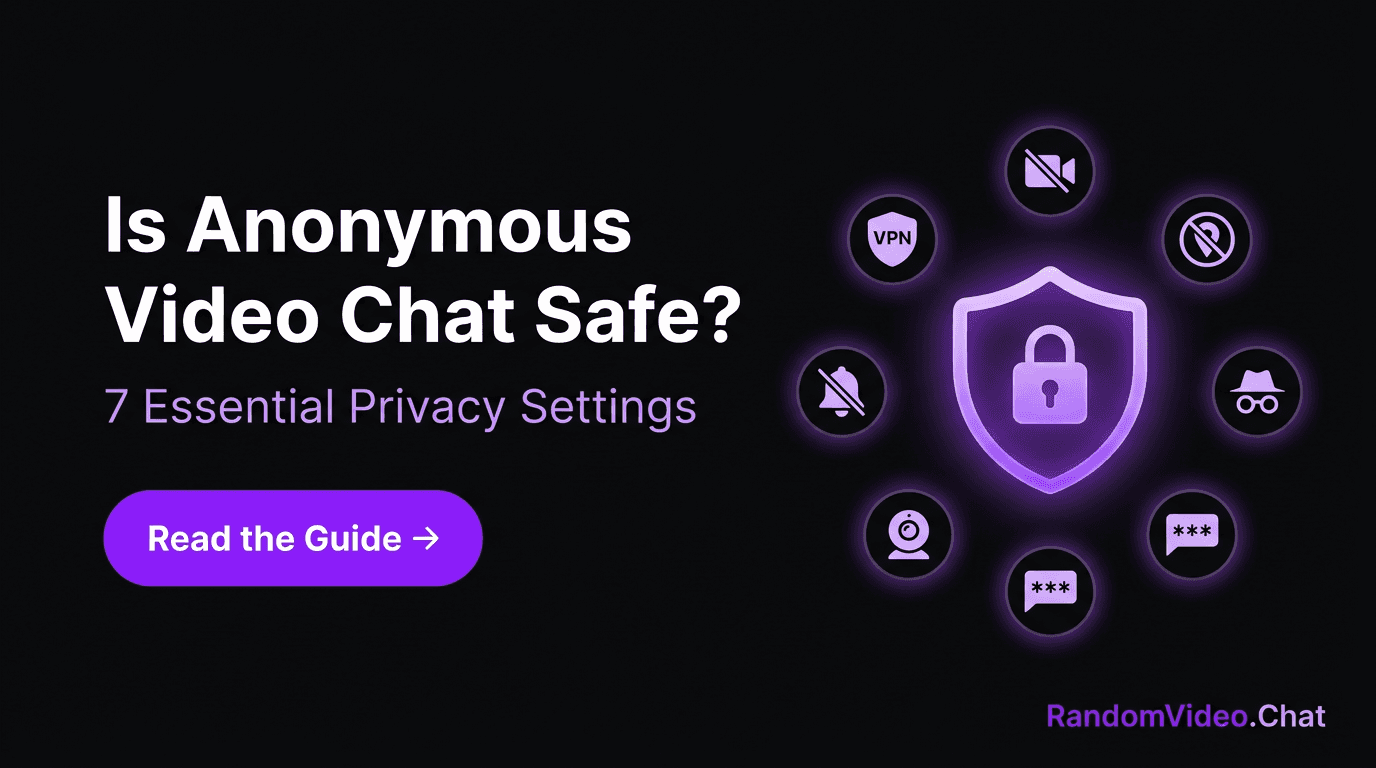
This guide covers the seven most important settings and habits that keep your identity locked down while you enjoy genuine conversations on random video chat.
What "Anonymous" Actually Gets You
When a platform offers anonymous video chat, it typically means:
- No account required — You're not handing over an email, phone number, or social profile to start chatting
- No stored conversations — When you disconnect, the chat disappears. There's no transcript sitting on a server
- Random pairing — Nobody can search for you specifically or guarantee they'll be matched with you
- No persistent identity — Each session is independent. You're not building a profile that accumulates over time
That's a strong foundation. But anonymity has a blind spot: your camera is on. Your face, your voice, your surroundings — these are all broadcasting information in real time. The seven settings below address exactly that gap.
The 7 Settings That Matter Most
1. Route Your Connection Through a VPN
What it does: Masks your IP address, which can otherwise reveal your approximate city, internet provider, and sometimes more.
How to set it up:
- Choose a paid VPN from a reputable provider (free VPNs frequently log and sell your data — the opposite of what you want)
- Connect to a server before opening any video chat platform
- Verify it's working by checking your IP at a site like whatismyip.com
Why it matters: Your IP is the most technically exploitable piece of information you leak during a video chat. A VPN neutralizes that risk entirely.
2. Audit Your Background Before Every Session
What it does: Eliminates visual clues that reveal your identity, location, or workplace.
What to check:
- Mail, packages, or documents with your name or address visible
- Company logos on mugs, shirts, or wall signage
- Diplomas, certificates, or awards with identifying details
- Windows that show recognizable landmarks or street signs
- Whiteboards or sticky notes with personal information
Best practice: Use a plain wall as your backdrop, or enable a virtual/blurred background if your platform supports it. Make background-checking a pre-session habit, the same way you'd glance in the mirror before a video call at work.
3. Kill Location Services in Your Browser
What it does: Prevents websites from requesting your GPS coordinates.
How to set it up:
- Chrome: Settings → Privacy and Security → Site Settings → Location → Don't allow sites to see your location
- Firefox: Settings → Privacy & Security → Permissions → Location → Block new requests
- Safari: Preferences → Websites → Location → Deny
- Edge: Settings → Cookies and Site Permissions → Location → Block
Why it matters: Even if you deny a location prompt, it's safer to disable the capability entirely. One accidental "allow" click is all it takes.
4. Chat in Incognito or a Dedicated Browser
What it does: Isolates your video chat activity from your regular browsing identity.
Two options:
- Incognito/private window: Prevents cookies, autofill, and browsing history from your main profile from leaking into the chat session
- Separate browser entirely: Use one browser exclusively for random video chat and another for everything else. This is the stronger option because it provides complete session isolation
Why it matters: Your regular browser knows a lot about you — saved logins, autofill data, browsing patterns. Isolating your chat sessions ensures none of that crosses over.
5. Guard Your Verbal Identity
What it does: Prevents you from accidentally revealing identifying details through conversation.
Rules of thumb:
- Share your industry, not your employer ("I'm in healthcare" not "I work at St. Mary's on Fifth")
- Use a nickname or just your first name — never your full name
- Keep location vague ("I'm on the East Coast" not "I'm in the Williamsburg neighborhood of Brooklyn")
- Avoid mentioning upcoming events with specific dates and venues
- Don't reference your social media handles, even casually
Why it matters: Technical privacy settings mean nothing if you verbally hand someone the keys to your identity. Most privacy breaches in video chat come from conversation, not technology. For more on managing what you share, our etiquette guide covers the social side of boundaries.
6. Cover Your Camera When You're Not Chatting
What it does: Provides a physical guarantee that your camera isn't active when you're not using it.
Options:
- A sliding webcam cover (available for a few dollars online)
- A small piece of opaque tape as a low-tech backup
- Revoking camera permissions in your browser settings after each session
Why it matters: Camera exploits are rare, but the peace of mind is real. Physical covers work regardless of software vulnerabilities because they block light at the hardware level. It's a two-second habit that eliminates an entire category of risk.
7. Lock Down Notifications and Screen Sharing
What it does: Prevents accidental exposure of personal information through popups or shared screens.
Action items:
- Turn on "Do Not Disturb" mode before chatting — a stray notification showing your full name, a message preview, or a calendar event can flash across your screen
- Never accept screen-sharing requests on anonymous platforms
- If you ever do share a screen for any reason, share a single application window — never your entire desktop
- Close all other applications and browser tabs before starting
Why it matters: Your operating system's notifications are designed to grab attention — which means they're also designed to be readable at a glance by anyone watching your screen.
Red Flags That Mean "Disconnect Now"
Even with every setting locked down, your instincts are your best security system. End the conversation immediately if someone:
- Pushes for personal details — Name, location, workplace, social media. Genuine connections don't require a dossier.
- Insists on moving to another platform — "Add me on [app]" from a stranger is often a data-harvesting tactic, not a compliment.
- Records without asking — Watch for unusual interface elements, recording indicators, or the sound of a screen capture starting.
- Tests your boundaries repeatedly — Someone who "jokes" about needing your real name after you've declined isn't joking.
- Makes threats or tries to manipulate — Report the user through the platform's tools and disconnect without engaging.
If Something Goes Wrong: Your Action Plan
- Disconnect immediately. Don't explain, don't negotiate, don't give them more time to gather information.
- Document if possible. A screenshot of threatening behavior supports a report.
- Report through the platform. Every legitimate random video chat platform has a reporting mechanism. Use it — it protects the next person too.
- Review your exposure. Think through what was visible and what was said. If anything identifying slipped through, consider whether any follow-up action is warranted.
- Don't blame yourself. Bad actors are responsible for their own behavior. Taking precautions is smart; second-guessing yourself after someone else acted badly isn't productive.
Privacy Is a Practice, Not a Product
No single setting makes you invulnerable. No platform can protect you from your own oversharing. But the combination of smart technical settings and mindful conversational habits creates a strong shield that lets you enjoy random video chat on your terms.
The people who have the best experiences on these platforms aren't the ones who are paranoid — they're the ones who've built privacy into their routine so thoroughly that they don't have to think about it. VPN on. Background clean. Notifications silenced. Then they forget about security and focus on the conversation.
That's the goal: privacy that's invisible because it's automatic. Set up these seven things once, and every random chat you have from now on starts from a position of strength.
Ready to chat with confidence? Start a random video chat — no signup, no personal info, just a click and a conversation. For tips on making the most of that conversation, browse our conversation starters guide.
Artículos relacionados
Why Random Video Chat Is Replacing Swiping Culture
Burned out on dating apps? Here's why millions are ditching curated profiles for the raw, real-time chemistry of random video chat — and why it's about more than just dating.
Random Video Chat for Introverts: Build Social Confidence One Call at a Time
Think random video chat isn't for introverts? Think again. Discover why the low-stakes, one-on-one format is the ideal way for shy people to build genuine social confidence.
10 Conversation Starters That Actually Work in Random Video Chat
Blank mind when the camera connects? These 10 conversation starters are designed specifically for random video chat — no cringe, no scripts, just real openers that spark real conversations.