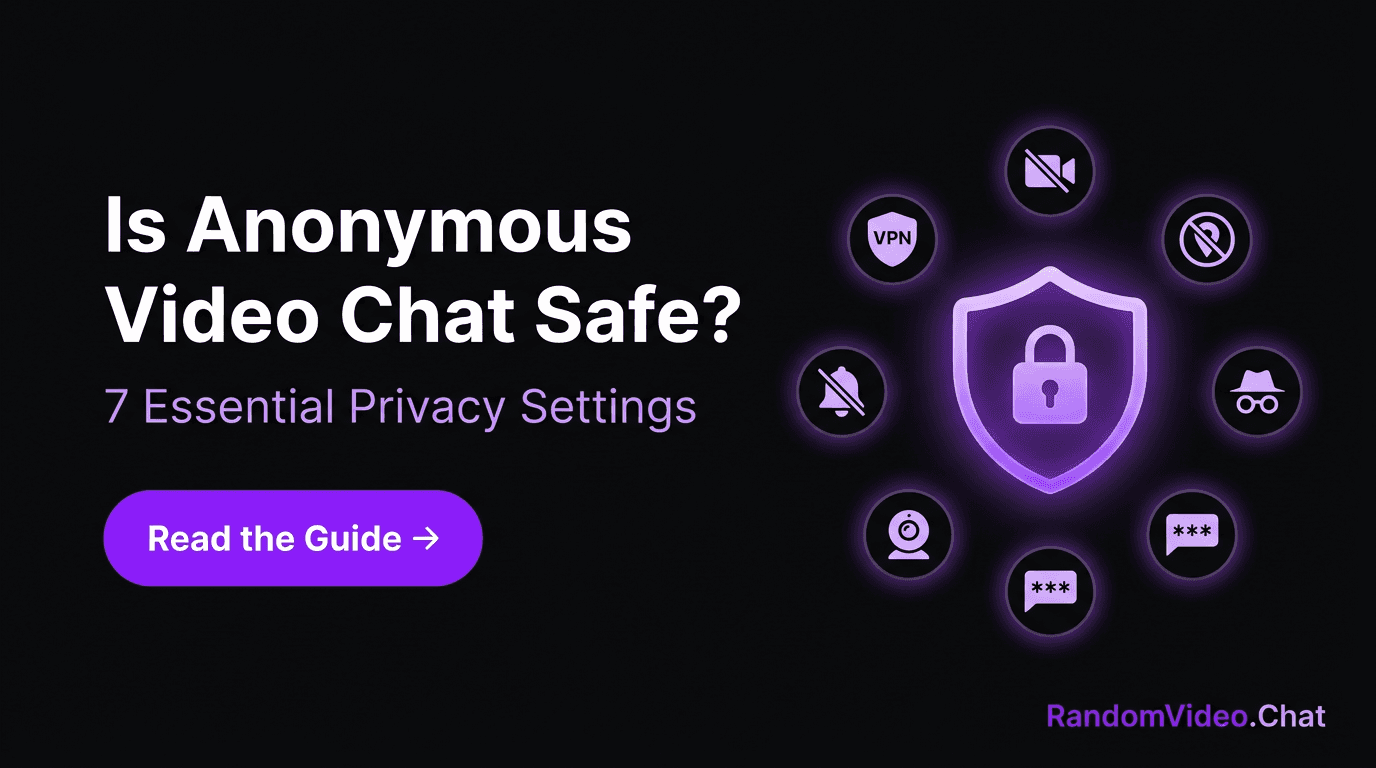
क्या Anonymous Video Chat Safe है? Privacy बचाने की 7 ज़रूरी Settings
Anonymous video chat safe है या नहीं? इस guide में जानिए असली risks क्या हैं और 7 ज़रूरी settings जो किसी भी random video chat platform पर आपकी privacy protect करेंगी।
Random Video Chat Team
लेखक
छोटा जवाब: आप पर Depend करता है
क्या anonymous video chat safe है? Random video platforms के बारे में ये सबसे ज़्यादा search किए जाने वाले सवालों में से एक है, और honest जवाब simple हाँ या ना नहीं है। Platform privacy के tools देता है। आपकी choices decide करती हैं कि वो tools actually आपको protect करते हैं या नहीं।
इसे driving की तरह सोचो। गाड़ी में seatbelt है, airbags हैं, ABS है। लेकिन अगर आप 100 की speed पर phone देख रहे हो और आँखें बंद हैं, तो कोई भी engineering काम नहीं आएगी। Anonymous video chat भी ऐसे ही काम करता है — safety infrastructure मौजूद है, बस आपको इसे use करना होगा।
ये guide वो सात सबसे important settings और habits cover करती है जो आपकी identity को safe रखती हैं जब आप random video chat पर genuine conversations enjoy कर रहे हों।
"Anonymous" का Actually मतलब क्या है
जब कोई platform anonymous video chat offer करता है, तो typically इसका मतलब:
- कोई account ज़रूरी नहीं — आप बिना email, phone number, या social profile दिए chatting शुरू कर सकते हो
- Conversations store नहीं होतीं — Disconnect करते ही chat गायब हो जाती है। Server पर कोई transcript नहीं बैठा
- Random pairing — कोई specifically आपको search नहीं कर सकता या guarantee नहीं कर सकता कि उनकी matching आपसे होगी
- कोई persistent identity नहीं — हर session independent है। कोई profile नहीं बन रही जो time के साथ accumulate हो
ये एक strong foundation है। लेकिन anonymity का एक blind spot है: आपका camera on है। आपका चेहरा, आपकी आवाज़, आपका आसपास का माहौल — ये सब real time में information broadcast कर रहे हैं। नीचे दी गई सात settings exactly इसी gap को address करती हैं।
7 Settings जो सबसे ज़्यादा Matter करती हैं
1. VPN से अपना Connection Route करो
ये क्या करता है: आपका IP address mask कर देता है, जो otherwise आपकी approximate city, internet provider, और कभी-कभी और भी ज़्यादा reveal कर सकता है।
कैसे set up करें:
- एक paid VPN चुनो किसी reputable provider से (free VPNs अक्सर आपका data log और sell करते हैं — बिलकुल उल्टा जो आप चाहते हो)
- कोई भी video chat platform खोलने से पहले server से connect हो जाओ
- Verify करो कि ये काम कर रहा है — whatismyip.com जैसी site पर अपना IP check करो
क्यों ज़रूरी है: Video chat के दौरान आपका IP सबसे technically exploitable piece of information है जो leak होती है। VPN उस risk को पूरी तरह neutralize कर देता है।
2. हर Session से पहले अपना Background Audit करो
ये क्या करता है: Visual clues eliminate कर देता है जो आपकी identity, location, या workplace reveal कर सकते हैं।
क्या check करें:
- Mail, packages, या documents जिन पर आपका नाम या address दिखे
- Mugs, shirts, या wall signage पर company logos
- Diplomas, certificates, या awards जिन पर identifying details हों
- Windows जिनसे recognizable landmarks या street signs दिखें
- Whiteboards या sticky notes जिन पर personal information हो
Best practice: Plain wall को अपना backdrop बनाओ, या virtual/blurred background enable करो अगर platform support करता है। Background check करना एक pre-session habit बनाओ — जैसे office video call से पहले mirror में देखते हो।
3. Browser में Location Services बंद करो
ये क्या करता है: Websites को आपके GPS coordinates request करने से रोकता है।
कैसे set up करें:
- Chrome: Settings → Privacy and Security → Site Settings → Location → Don't allow sites to see your location
- Firefox: Settings → Privacy & Security → Permissions → Location → Block new requests
- Safari: Preferences → Websites → Location → Deny
- Edge: Settings → Cookies and Site Permissions → Location → Block
क्यों ज़रूरी है: भले ही आप location prompt deny कर दो, capability को पूरी तरह disable करना safer है। एक accidental "allow" click ही काफी है।
4. Incognito या Dedicated Browser में Chat करो
ये क्या करता है: आपकी video chat activity को regular browsing identity से isolate कर देता है।
दो options:
- Incognito/private window: आपके main profile की cookies, autofill, और browsing history को chat session में leak होने से रोकता है
- अलग browser पूरी तरह: एक browser exclusively random video chat के लिए यूज़ करो और दूसरा बाकी सब चीज़ों के लिए। ये stronger option है क्योंकि ये complete session isolation देता है
क्यों ज़रूरी है: आपका regular browser आपके बारे में बहुत कुछ जानता है — saved logins, autofill data, browsing patterns। Chat sessions को isolate करने से ये ensure होता है कि कुछ भी cross over नहीं करेगा।
5. बातचीत में अपनी Identity Guard करो
ये क्या करता है: आपको accidentally conversation में identifying details reveal करने से बचाता है।
Rules of thumb:
- अपनी industry share करो, employer नहीं ("मैं healthcare में हूँ" ना कि "मैं Apollo Hospital, Saket में काम करता/करती हूँ")
- Nickname या सिर्फ first name यूज़ करो — कभी full name नहीं
- Location vague रखो ("मैं North India से हूँ" ना कि "मैं Noida Sector 62 में रहता/रहती हूँ")
- Specific dates और venues वाले upcoming events mention मत करो
- अपने social media handles mention मत करो, casually भी नहीं
क्यों ज़रूरी है: Technical privacy settings मतलब कुछ नहीं अगर आप verbally किसी को अपनी identity की चाबी दे दो। Video chat में ज़्यादातर privacy breaches conversation से आती हैं, technology से नहीं। आप क्या share करें इसे manage करने के बारे में ज़्यादा जानने के लिए, हमारी etiquette guide boundaries का social side cover करती है।
6. Chat न कर रहे हो तो Camera Cover करो
ये क्या करता है: एक physical guarantee देता है कि जब आप camera यूज़ नहीं कर रहे, तब ये active नहीं है।
Options:
- Sliding webcam cover (online कुछ रुपये में मिल जाता है)
- Opaque tape का एक छोटा टुकड़ा low-tech backup के रूप में
- हर session के बाद browser settings में camera permissions revoke करना
क्यों ज़रूरी है: Camera exploits rare हैं, लेकिन peace of mind real है। Physical covers software vulnerabilities से independent काम करते हैं क्योंकि ये hardware level पर light block करते हैं। दो-सेकंड की habit जो एक पूरी category का risk eliminate कर देती है।
7. Notifications और Screen Sharing Lock Down करो
ये क्या करता है: Popups या shared screens से accidentally personal information expose होने से बचाता है।
Action items:
- Chat करने से पहले "Do Not Disturb" mode on करो — एक stray notification जो आपका full name, message preview, या calendar event दिखा दे, आपकी screen पर flash हो सकती है
- Anonymous platforms पर screen-sharing requests कभी accept मत करो
- अगर कभी किसी reason से screen share करना भी पड़े, single application window share करो — कभी अपना पूरा desktop नहीं
- शुरू करने से पहले सारे दूसरे applications और browser tabs बंद कर दो
क्यों ज़रूरी है: आपके operating system की notifications attention grab करने के लिए design की गई हैं — जिसका मतलब ये भी है कि आपकी screen देखने वाला कोई भी इन्हें एक नज़र में पढ़ सकता है।
Red Flags जिनका मतलब है "अभी Disconnect करो"
हर setting lock down होने के बाद भी, आपकी instincts आपका सबसे अच्छा security system हैं। तुरंत conversation खत्म करो अगर कोई:
- Personal details पर ज़ोर दे — नाम, location, workplace, social media। Genuine connections को dossier की ज़रूरत नहीं।
- दूसरे platform पर move करने पर insist करे — किसी अजनबी का "मुझे [app] पर add करो" अक्सर data-harvesting है, compliment नहीं।
- बिना पूछे record करे — Unusual interface elements, recording indicators, या screen capture शुरू होने की sound पर ध्यान दो।
- बार-बार boundaries test करे — जो कोई आपके मना करने के बाद "मज़ाक में" आपका असली नाम माँगे — वो मज़ाक नहीं कर रहा।
- Threats दे या manipulate करने की कोशिश करे — Platform के tools से user को report करो और बिना engage हुए disconnect हो जाओ।
कुछ गलत हो जाए तो: Action Plan
- तुरंत disconnect करो। Explain मत करो, negotiate मत करो, उन्हें और information gather करने का time मत दो।
- हो सके तो document करो। Threatening behavior का screenshot report को support करता है।
- Platform से report करो। हर legitimate random video chat platform में reporting mechanism है। Use करो — ये अगले इंसान को भी protect करता है।
- अपना exposure review करो। सोचो कि क्या visible था और क्या बोला गया। अगर कुछ identifying slip हो गया, तो consider करो कि कोई follow-up action ज़रूरी है या नहीं।
- खुद को blame मत करो। Bad actors अपने behavior के लिए खुद responsible हैं। Precautions लेना smart है; किसी और के बुरे behavior के बाद खुद पर doubt करना productive नहीं है।
Privacy एक Practice है, Product नहीं
कोई single setting आपको invulnerable नहीं बनाती। कोई platform आपकी खुद की oversharing से protect नहीं कर सकता। लेकिन smart technical settings और mindful conversational habits का combination एक strong shield बनाता है जो आपको random video chat अपनी terms पर enjoy करने देता है।
जिन लोगों का इन platforms पर सबसे अच्छा experience होता है, वो paranoid नहीं हैं — वो वही लोग हैं जिन्होंने privacy को अपनी routine में इतनी अच्छी तरह build कर लिया है कि उन्हें इसके बारे में सोचना ही नहीं पड़ता। VPN on। Background clean। Notifications silenced। फिर security भूल जाओ और conversation पर focus करो।
यही goal है: privacy जो invisible है क्योंकि ये automatic है। ये सात चीज़ें एक बार set up करो, और आज से आपकी हर random chat strength की position से शुरू होगी।
Confidence के साथ chat करने को तैयार हो? Random video chat शुरू करो — कोई signup नहीं, कोई personal info नहीं, बस एक click और बातचीत। उस बातचीत को और बेहतर बनाने के tips के लिए, हमारी conversation starters guide देखो।
संबंधित लेख
Omegle बंद होने के बाद: सही Random Video Chat Platform कैसे चुनें
Omegle बंद हो गया, लेकिन random video chat पहले से कहीं ज़्यादा popular है। जानिए किसी भी Omegle alternative में क्या देखना चाहिए और असली बातचीत कैसे ढूंढें।
Random Video Chat ने Swiping Culture को क्यों पीछे छोड़ दिया
Dating apps से थक गए हो? जानिए क्यों लाखों लोग curated profiles छोड़कर random video chat की real-time chemistry अपना रहे हैं — और ये सिर्फ dating तक सीमित क्यों नहीं है।
Introverts के लिए Random Video Chat: एक Call से Social Confidence बढ़ाएँ
लगता है random video chat introverts के लिए नहीं है? फिर से सोचो। जानो क्यों ये low-stakes, one-on-one format शर्मीले लोगों के लिए genuine social confidence बनाने का ideal तरीका है।