How to Look Good on Camera for Video Chat — Simple Webcam Tips That Work
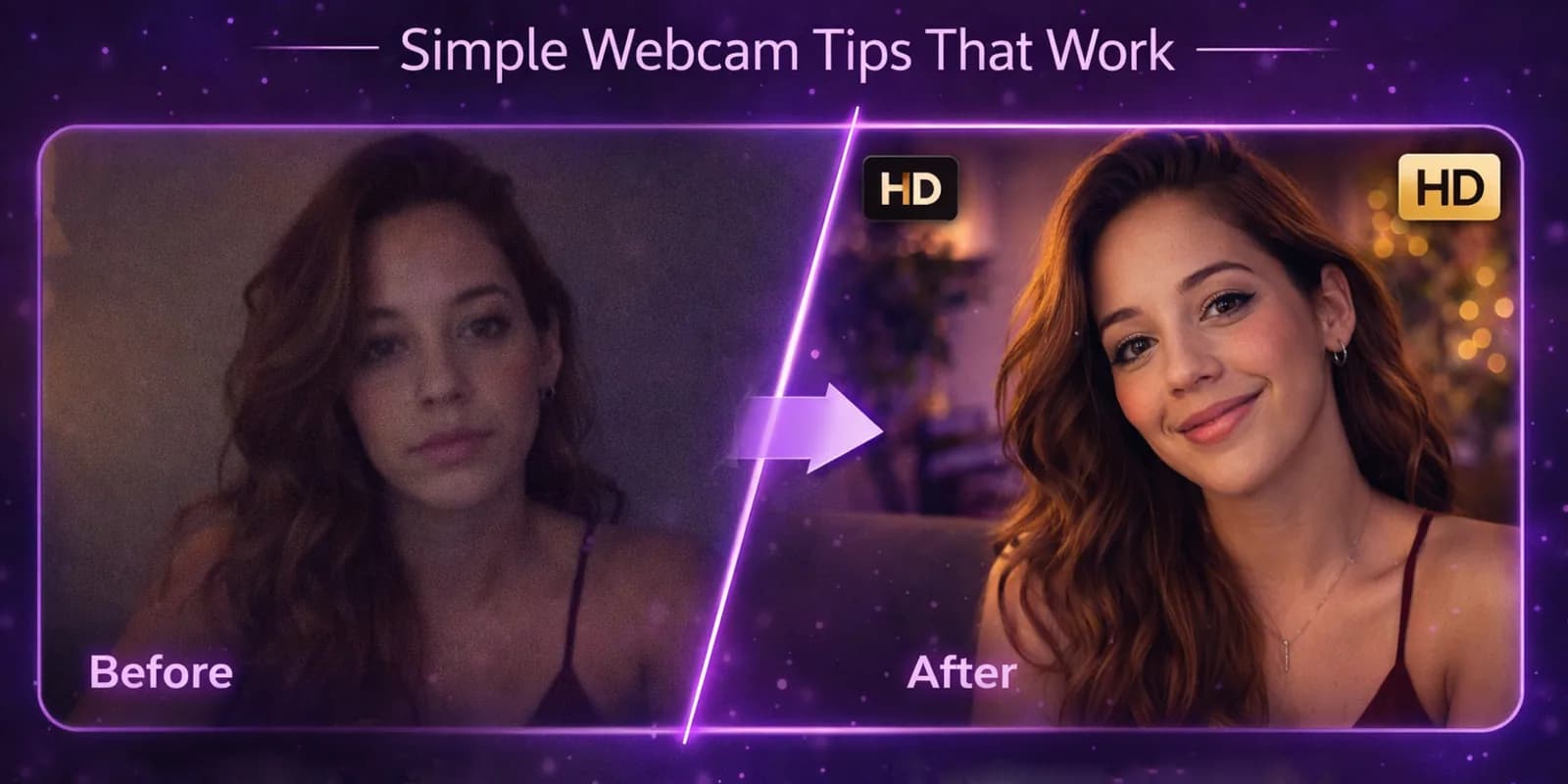
Look better on camera in random video chat with these quick webcam tips. Lighting, angles, and small fixes that make a big first impression.
Random Video Chat Team
Autor
You Have Less Than Three Seconds
Someone clicks "next" and your face fills their screen. Before you say a single word — before you smile, wave, or deliver your best opening line — they've already formed a first impression. Research puts it at under three seconds. On random video chat, that window might be even shorter.
Here's the thing: looking good on camera has almost nothing to do with how attractive you are. It's about how you present yourself. Lighting, angles, background, audio — small tweaks that take two minutes but completely change how you come across.
Think of it as the difference between a phone photo and a professional headshot. Same face. Wildly different impact.
Lighting Is 80% of the Battle
If you only fix one thing, fix your lighting. Seriously. Good lighting makes everyone look better. Bad lighting makes everyone look like they're plotting something in a basement.
During the day: Face a window. Natural light hitting your face from the front is the single most flattering setup you can get, and it costs nothing. Sit so the window is behind your screen — not behind you, not to the side.
At night: A simple desk lamp placed behind your laptop, angled toward your face, works wonders. Even a cheap ring light does the job. The goal is soft, even light on your face without harsh shadows.
What to avoid:
- Overhead-only lighting — creates dark shadows under your eyes and nose. You'll look tired even if you're not.
- Backlighting — sitting with a window or bright light behind you turns you into a silhouette. The other person sees a dark blob with a voice.
- Harsh side lighting — dramatic for a film noir poster, terrible for a video chat.
The test is simple: open your camera app and look. If one side of your face is significantly darker than the other, adjust your light source until it evens out.
Camera Angle: The Nostril Problem
You've seen it. Someone joins a video chat and their camera is pointing straight up their nose. It's unflattering, it's distracting, and it's the single most common mistake people make on webcam.
The fix: Position your camera at eye level or slightly above. That's it. If you're on a laptop, stack a few books under it. If you're on a desktop with a webcam, mount it on top of your monitor.
Distance matters too. Arm's length from the camera is the sweet spot. Too close and you're an extreme close-up nobody asked for. Too far and you look like you're hiding in the corner of the room.
Slightly above eye level is actually more flattering than dead-on — it subtly defines your jawline and gives your eyes more presence. Every vlogger and content creator on the planet knows this trick.
Your Background Is Talking Before You Are
People notice your background immediately. It's the second thing they see after your face, and it shapes their perception of you whether you like it or not.
What works:
- A bookshelf, some art, a plant — anything that suggests you're a real person with actual interests
- A clean, simple wall with one or two interesting elements
- Subtle conversation starters — a guitar in the corner, a travel photo, a cool poster
What doesn't:
- A pile of laundry on your bed
- An unmade bed in general
- A blank, sterile wall that gives interrogation room vibes
- Clutter everywhere — it's distracting and sends the wrong signal
You don't need to redesign your apartment. Just pick the cleanest, most visually interesting corner of your space and point your camera at it. The visible zone is only about three feet wide — the rest of your room can be a disaster.
What to Wear (Without Overthinking It)
You're not going to a job interview. But looking like you rolled out of bed and didn't care sends a message — and not the one you want.
The simple rules:
- Solid colors look best on camera. They're clean and don't distract from your face.
- Avoid white — it washes you out under most lighting conditions and can throw off your camera's auto-exposure.
- Skip tiny stripes and complex patterns — they create a shimmering moiré effect on webcam that's visually annoying.
- Dark or medium tones are generally your safest bet.
The bar is low. A clean t-shirt in a solid color beats a wrinkled dress shirt every time. The goal isn't to dress up — it's to look intentional. Like you chose what you're wearing rather than grabbing whatever was closest to the bed.
Audio Is the Invisible Deal-Breaker
You can look incredible on camera and still lose someone in five seconds if your audio is terrible. Echo, background noise, tinny speaker sound — these are instant mood killers.
Quick wins:
- Wear headphones or earbuds. This single change eliminates echo and makes your voice sound dramatically clearer to the other person.
- Close the door. Background conversations, TV noise, dogs barking — all distracting.
- Pick a quiet room. If you can hear traffic, construction, or your roommate's music, so can they.
You don't need a podcast microphone. The built-in mic on a pair of basic earbuds sounds better than most laptop microphones because it's closer to your mouth and less likely to pick up room echo.
The Two-Minute Preview Check
Here's a habit that separates people who consistently look good on camera from everyone else: check your preview before you connect.
Open your camera. Look at the image. Ask yourself:
- Is my face well-lit?
- Is the camera at a good angle?
- Is my background clean?
- Am I centered in the frame?
Adjust anything that's off. Takes sixty seconds, maybe less.
Then forget about it. The worst thing you can do in a video chat is spend the whole conversation staring at your own thumbnail instead of engaging with the person in front of you. Check once, fix once, then give your full attention to the conversation. Need some opening lines once you're connected? Our conversation starters guide has you covered.
Grooming: The Bare Minimum Goes a Long Way
Nobody's asking you to get camera-ready like a news anchor. But showing up looking like you made some effort — even a small one — changes the dynamic completely.
The basics:
- Hair that looks like you're aware it exists
- A face that's been washed recently
- If you have facial hair, something that suggests intentional grooming rather than pure neglect
That's it. This isn't about being conventionally attractive. It's about signaling that you respect the interaction enough to show up presentable. People respond to effort — even minimal effort.
Virtual Backgrounds: Handle With Care
Most video chat platforms offer virtual backgrounds. They can be useful if your real background is genuinely terrible, but they come with trade-offs.
The problems:
- They glitch. Move your hand and half your arm disappears into a beach scene.
- They look obviously fake, which can feel like you're hiding something.
- They eliminate one of your best conversation starters — your actual environment.
If you use one: Pick something simple and static. A blurred background effect is usually the least distracting option. Avoid the tropical beach, the outer space scene, and anything that screams "I downloaded this five minutes ago."
Better approach: Just clean up a small area behind you. Real beats virtual every time.
Small Changes, Big Impact
None of this requires expensive equipment, hours of preparation, or a complete lifestyle overhaul. We're talking about:
- Moving a lamp
- Stacking two books under your laptop
- Putting on a clean shirt
- Wearing headphones
Two minutes of setup. A fundamentally different first impression.
Looking good on camera gets you the first five seconds of someone's attention. What you do with those five seconds — that's where good etiquette and genuine curiosity take over. The visual presentation opens the door. Your personality keeps it open.
If you're newer to the platform and want a complete overview before diving in, our beginner's guide to random video chat walks you through everything from signup to your first conversation.
Ready to put these tips to the test? Your camera is right there. Start a random video chat and see the difference two minutes of prep makes.
Artículos relacionados
Cómo Conocer Mujeres en Video Chat Aleatorio — Una Guía Directa
¿Quieres conocer mujeres en video chat aleatorio? Esto es lo que funciona de verdad — desde el filtro de género hasta la primera impresión. Pruébalo gratis.
Video Chat Aleatorio en el Celular — La Guía Completa para Chatear Desde Tu Teléfono
Más de la mitad de los videochats aleatorios pasan en celulares. Saca el máximo de tu experiencia móvil con estos consejos prácticos de configuración.
Guía para Principiantes de Video Chat Aleatorio — Todo Lo Que Necesitas Saber
¿Nuevo en el video chat aleatorio? Esta guía completa cubre cómo funciona, qué necesitas, tu primera sesión y consejos para que sea genial. Empieza gratis.